Multi-model AI life coach agent.
A multi-model AI life coach agent built with LangGraph that understands your voice, sees your images, and speaks back to you. Powered by open-source models Llama 3.3, Whisper and SD XL.
Project Gallery
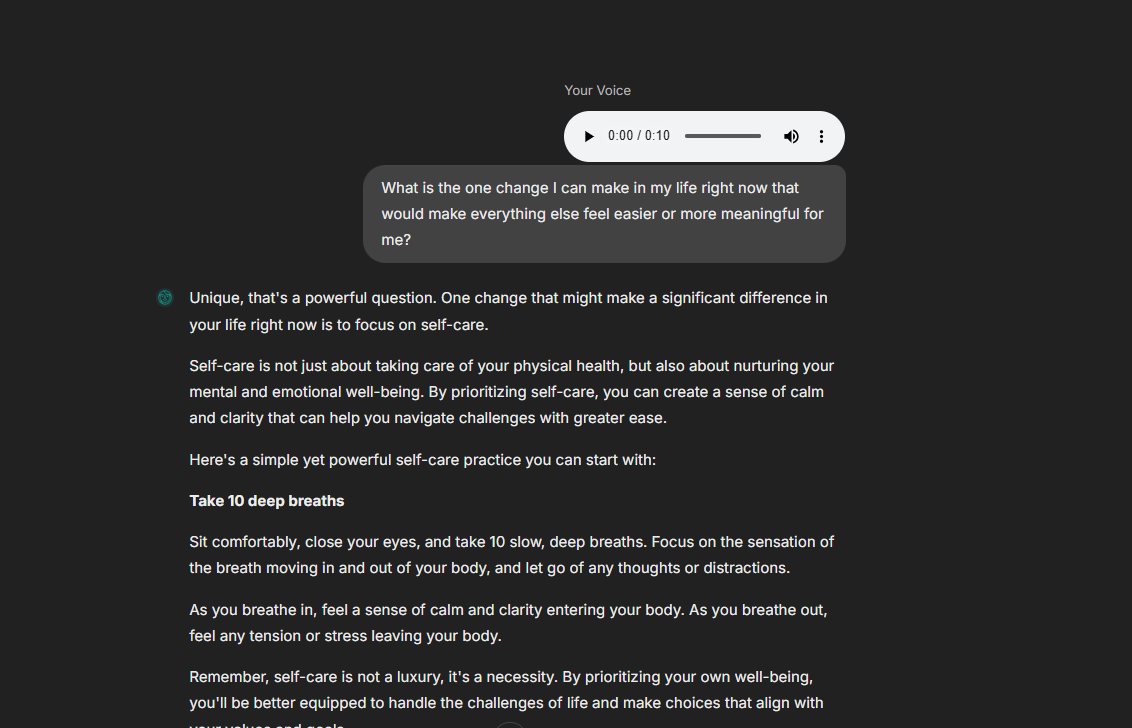
About this Project
I built this project to showcase my passion for building end-to-end AI systems.
Coach Aria isn't just another chatbot — it's a fully-functional, multimodal AI agent that can:
- Have meaningful coaching conversations powered by Llama 3.3
- Understand your voice using Whisper STT
- Understand images you send using Llama 4 Scout Vision
- Speak back to you with natural voice synthesis via ElevenLabs
- Generate contextual images using Stable Diffusion XL
- Remember important details about you across sessions using vector memory
- Intelligently route between text, audio, and image responses
I built this to demonstrate that I can design, architect, and implement complex AI systems from scratch — not just follow tutorials.
Features in Action
Voice Understanding
Aria can listen to your voice messages and transcribe them in real-time using Whisper.

Voice messages are transcribed using Whisper Large v3 Turbo via Groq
Image Understanding
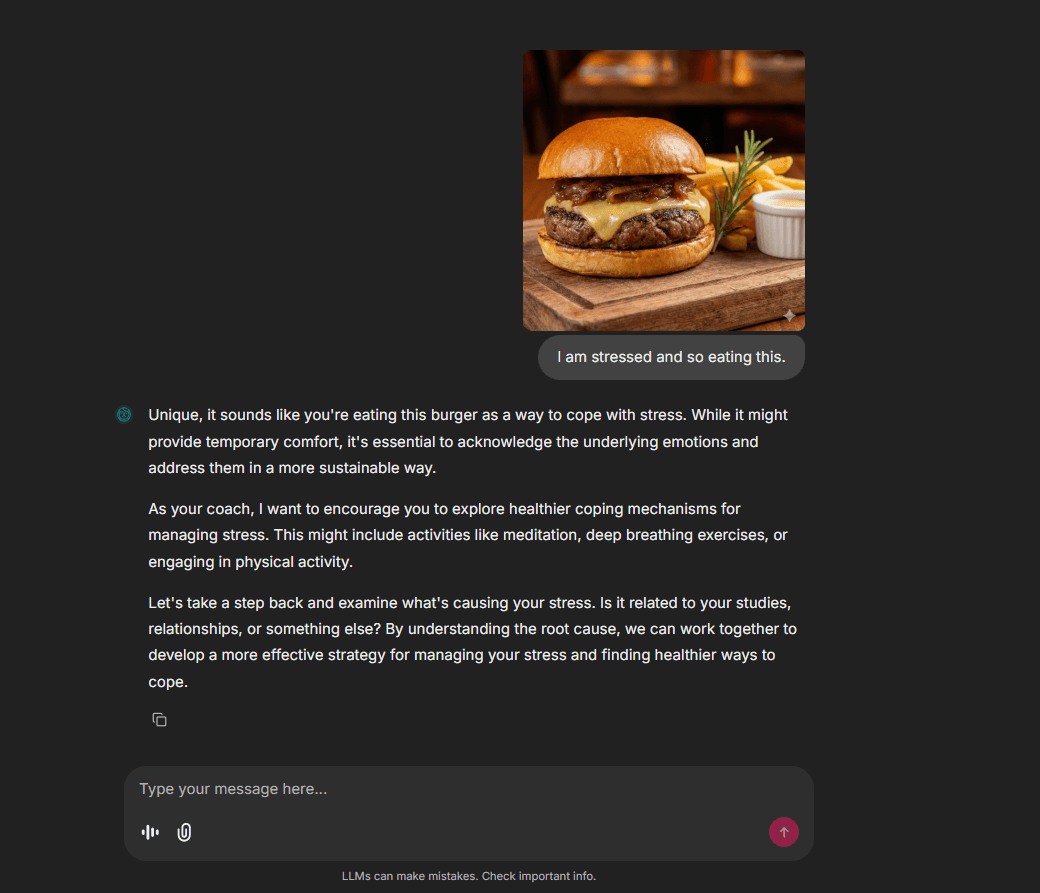
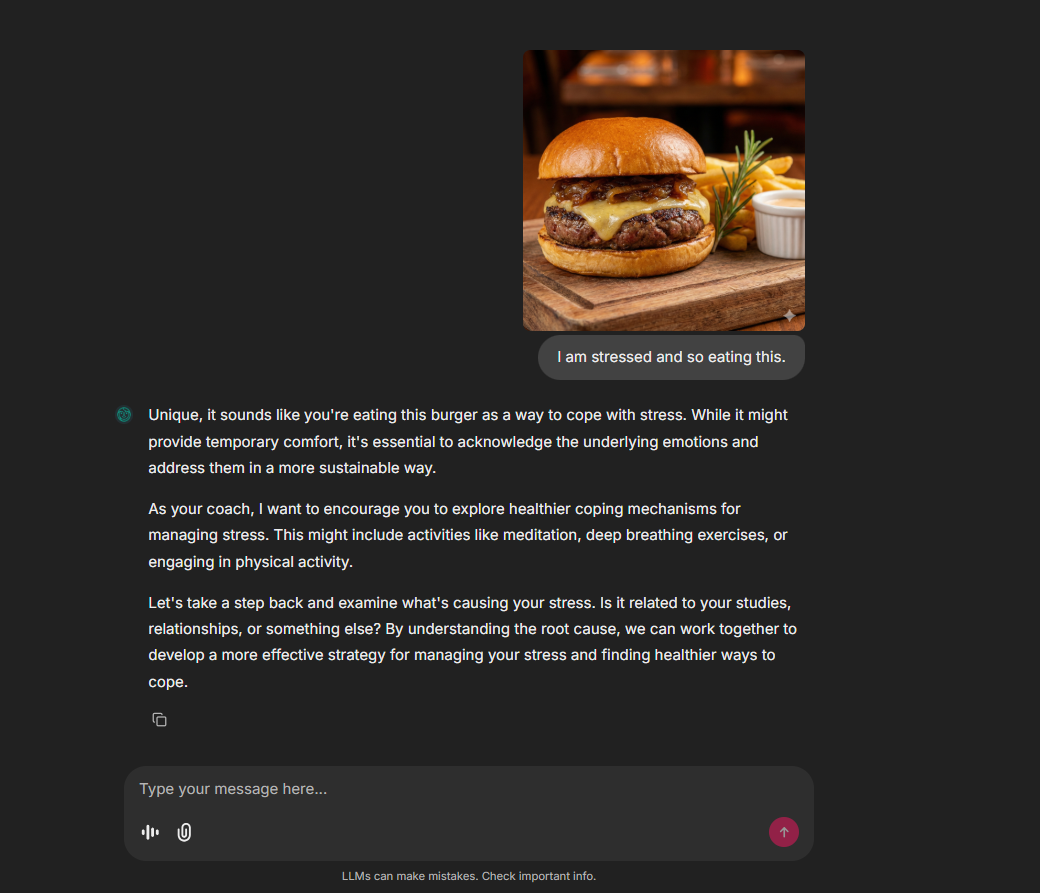
Aria can analyze and understand images you send, providing detailed descriptions and context-aware responses.

Aria uses Llama 4 Scout Vision model to understand and describe images
Voice Response
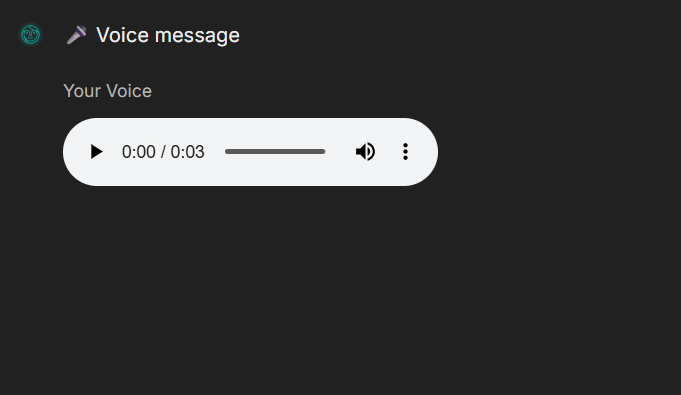
Aria can speak back to you with natural, expressive voice synthesis.
https://github.com/BhimPrasadAdhikari/life-coach/raw/main/public/screenshots/videos/agent_speak.mp4
Natural voice responses powered by ElevenLabs TTS
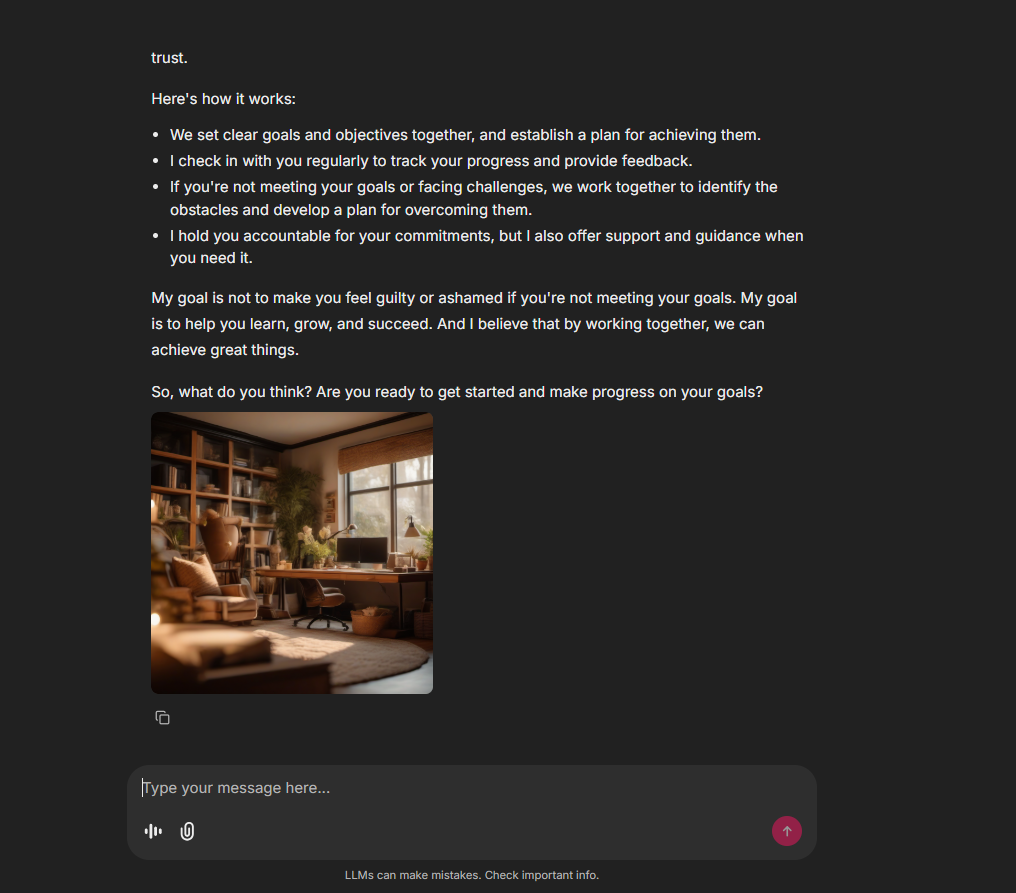
AI Image Generation
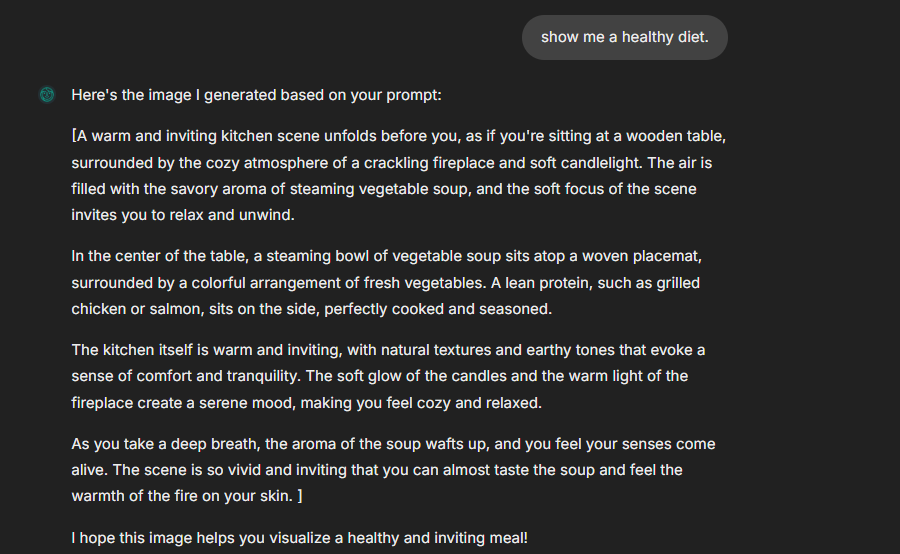
Aria can generate contextual images based on the conversation. Here are some examples:


Images generated by Stable Diffusion XL based on coaching conversations
What Can Aria Do?
| Capability | Description | Technologies |
|---|---|---|
| Conversational Coaching | Empathetic, growth-mindset based conversations | LangGraph, Groq Llama 3.3 |
| Voice Input | Transcribes your voice messages in real-time | Whisper Large v3 Turbo via Groq |
| Voice Output | Sends voice responses that sound natural | ElevenLabs TTS |
| Image Understanding | Analyzes images you send and responds intelligently | Llama 4 Scout Vision via Groq |
| Image Generation | Creates visualizations based on conversation context | Stable Diffusion XL via HuggingFace |
| Long-Term Memory | Remembers your goals, challenges, and preferences | Vector Store + Semantic Search |
| Smart Routing | Automatically decides when to respond with text, voice, or images | LLM-powered intent classification |
System Architecture
High-Level Workflow
Detailed Node Operations
How Each Node Works
| Node | Purpose | What It Does |
|---|---|---|
| Memory Retrieval | Context Loading | Searches vector store for relevant past memories using semantic similarity |
| Router | Intent Classification | Uses LLM to classify if user wants text, audio, or image response |
| Conversation | Text Response | Generates empathetic coaching response using Llama 3.3 |
| Audio | Voice Response | Generates text response + converts to speech via ElevenLabs |
| Image | Visual Response | Creates scenario prompt → enhances it → generates image via SDXL |
| Memory Saving | Learning | Analyzes conversation for important facts and stores in vector DB |
Tech Stack
| Layer | Technology |
|---|---|
| Framework | LangGraph |
| LLM | Groq (Llama 3.3 70B) |
| Vision | Llama 4 Scout Vision |
| STT | Whisper Large v3 Turbo |
| TTS | ElevenLabs |
| Image Gen | Stable Diffusion XL |
| Vector DB | Qdrant |
| Interface | Chainlit |
| Deployment | Google Cloud Run |
Getting Started
Prerequisites
- Python 3.13+
- API Keys for: Groq, ElevenLabs, HuggingFace, Qdrant
Installation
bash# Clone the repository
git clone https://github.com/BhimPrasadAdhikari/whatsapp-agent.git
cd whatsapp-agent

# Create virtual environment
python -m venv venv
source venv/bin/activate  # On Windows: venv\Scripts\activate

# Install dependencies
pip install -r requirements.txt
Environment Setup
Copy the example environment file and add your API keys:
bashcp .env.example .env
Then edit .env with your API keys. 📖 See API Setup Guide for detailed instructions on obtaining all API keys.
envGROQ_API_KEY=your_groq_api_key
ELEVENLABS_API_KEY=your_elevenlabs_api_key
HF_TOKEN=your_huggingface_token
QDRANT_URL=your_qdrant_url
QDRANT_API_KEY=your_qdrant_api_key
Run the Application
bashchainlit run interfaces/chainlit/app.py -w
Let's Connect!
I'm actively looking for internship and full-time opportunities in AI/ML Engineering.
LinkedIn •
License
This project is open source and available under the MIT License.
Built with ❤️ by Bhim Prasad Adhikari